
How to Run a Staunton Property Search
Staunton's Vision database offers several entry points: Address, Owner, Acct#, PID, and All. Address mode fits when you need to identify a parcel. Owner mode works best once you know the name. Switch to PID when a map or another system hands you the parcel identifier. Vision's owner screen asks for a last name. A long full-name string can therefore fail as a first query. Keep the ending in mind too. A finished Staunton property search should leave you with a saved PID, Acct#, situs address, and legal description. That beats a browser result you cannot reproduce later.
Once Vision returns the right parcel, check the listed owner against the newest deed you can find. That deed sits in the Circuit Court Clerk's land records. Use the city's tax-account service for a bill. GIS adds location context. Staunton keeps these facts in separate systems. An address can fetch a parcel card, yet it cannot tell you whether a transfer is recorded or a tax installment was paid. Nor can it confirm that a mapped boundary is legally correct.
- Enter the street address in Vision, then try the street name alone if the exact number does not return a match.
- Open the likely parcel and note the owner, PID, Acct#, legal description and situs address.
- Use the owner or legal description as a second key in the Circuit Court Clerk's land-record index.
- Use the Treasurer's Citizen Self Service account route for billing and GIS for map context.
- Ask the custodian for counter access or a specific VFOIA record if the item is not online.
Staunton Property Search Fields and Their Uses
The assessor help screens and the Vision interface use several distinct search keys. A PID is not the same as an Acct#. Mblu appears in the help vocabulary too. No crosswalk lets you recast one identifier as another. Copy whichever label a result displays, keeping leading digits and punctuation intact. Match your route to the detail you actually hold.
| Vision field | Best starting clue | How to use the result | Limit |
|---|---|---|---|
| Address | Known situs or street | Locate a parcel card, then save PID and legal description | Street spelling or number may differ |
| Owner | Owner's last name | Compare name and mailing details with the parcel | Same names and entity names can return several records |
| PID | Parcel ID from a card or map | Repeat the exact identifier across city systems | Do not assume it equals Acct# |
| Acct# | Tax or assessor account reference | Use the account key shown by Vision | Keep it separate from PID |
| All / Mblu | Broad query or help term | Follow the interface's own instructions | Exact behavior needs live verification |
Vision's Staunton search interface shows the available modes.
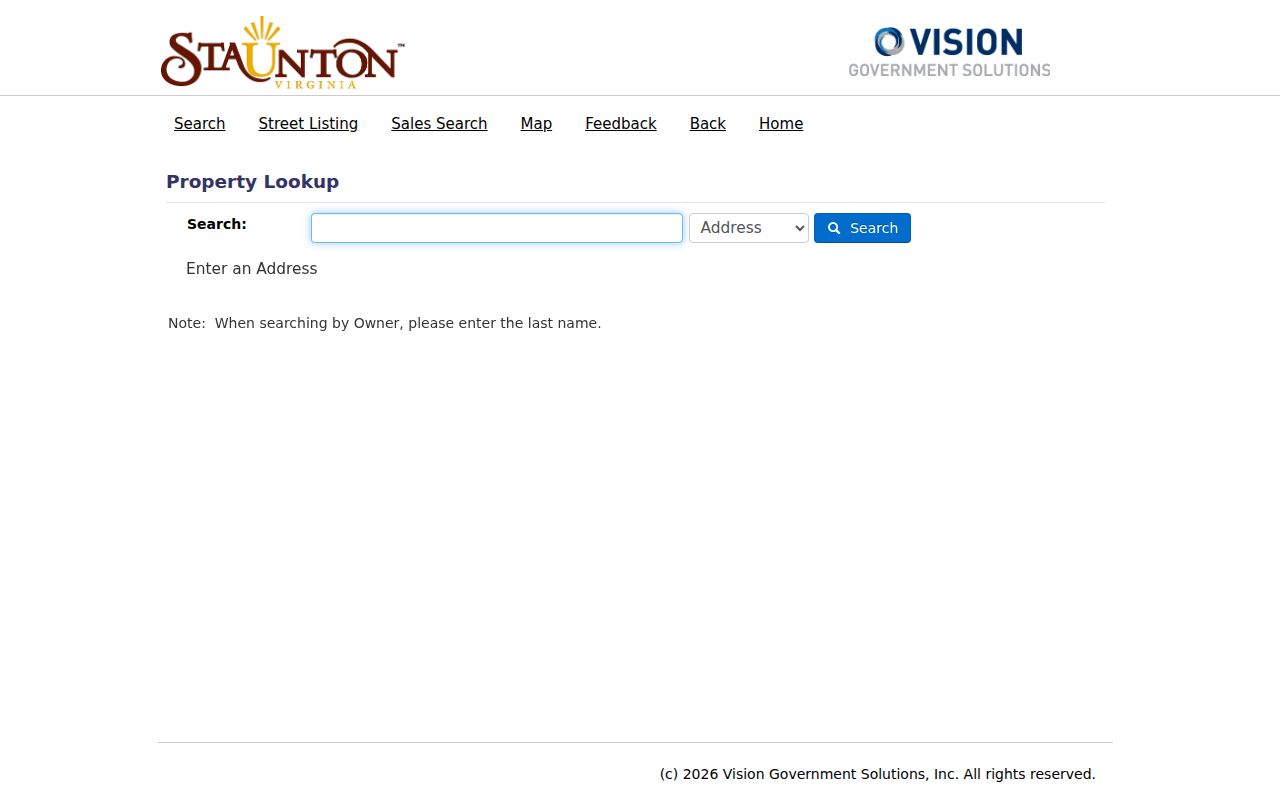
The Vision entry screen lists each field name. A live search can change, so follow the labels currently displayed.
What a Staunton Property Record Shows
A Vision parcel card and a recorded deed are two different records. Staunton's land book builds a yearly roll. It lists owner, legal description, PID, assessed value, and the tax levied. Assessor pages add sales and assessment information. Sale details and live card labels vary. Read them on screen. When a search returns a field, note its source and date. Never assume another office uses the same label.
| Owner name | Owner reported on the assessor roll for the listed year |
|---|---|
| Situs / mailing address | Parcel location and separate owner correspondence address |
| PID / Acct# | Two identifiers shown by city systems; retain both labels |
| Assessed value / levy | Tax-roll figures for the stated assessment year |
| Legal description | Parcel text to compare with a deed or recorded plat |
| Sales information | Assessor page says it exists; exact public display is unverified |
A search result proves less than it seems. It does not show every beneficial owner. It cannot confirm a fresh deed has reached the roll. Nor can it confirm that a lien was released. An assessment value is not an appraisal, and a map overlay is not a survey. A just-recorded instrument in Staunton can outrun the assessor card. So rely on the Clerk's deed when a transfer date matters.
Address Search Can Surface More Than One Staunton Parcel
Address mode makes a fine first pass. The assessor result is still a candidate that must be matched to the actual parcel. Unit numbers, street suffixes, and older street names can bend a query. Staunton publishes no verified list of address renumbering or a full ZIP-to-city crosswalk. Guesswork cannot repair an uncertain address. Search a shorter street string instead. Then compare the legal description and adopt the PID as your stable key once the right card appears.
The Staunton assessor's address-mode screen shows the entry route.
An address match is only the start. Compare the situs and legal description against a bill, deed, or map so a similar road name does not send you to another parcel.
Owner Mode in Staunton Starts With a Surname
Owner mode helps when the address is unknown. It also helps when a parcel carries more than one associated address. Vision's owner screen asks for the owner's last name. Try the surname first. Then narrow with a first initial or an exact owner string if the live interface allows it. Staunton's roll may list an LLC, trust, estate, or trustee rather than a person. The assessor name identifies the record entry. It does not trace every person with an economic interest.
The owner-search screen in Vision displays the last-name instruction.
Treat the result as a route to a parcel card. A name match alone does not prove who owns the parcel today, so compare it with the deed.
Choose Address, Owner or PID for a Staunton Search
The right search key depends on what you already hold. Address mode works when the situs is known. Owner mode fits a surname or an organization. Once the parcel is identified, PID becomes the preferred key. It carries cleanly into mapping and alert services. Vision's vocabulary also includes Acct#. This can tie into tax-account work; do not assume it is the PID. A label called Mblu appears in Staunton's help material. Its exact meaning, and its relationship to a parcel number, goes undocumented. Treat it cautiously.
| Search Key | Best For | Where It Works | Watch Out |
|---|---|---|---|
| Address | Identify a single site | Vision and GIS | Postal city may not equal city limits |
| Owner last name | Find assessor entries under a name | Vision Owner mode | Same names, estates and entities |
| PID | Repeat an identified parcel | Vision, GIS and VADeed Alert | Do not convert it to Acct# |
Not a title search. A Staunton property search points to assessor and recorded information but does not certify ownership, clear liens or settle a boundary. Request the deed from the Clerk and consult a title professional or surveyor when proof is needed.
Staunton's Land Book Helps Check a Search Result
When a dynamic card will not load, the city Assessor's yearly land book offers a dated alternative. The Assessor page links PDF land books for 2025 and 2026. The 2026 copy is labeled unofficial. Each line lets you compare owner name, legal description, PID, assessed value and levy for that year. Keep the book year with your notes. A land-book entry does not prove tax is paid. It may lag behind a deed the Clerk recorded recently.
Three dates matter when checking Staunton property records this way. These are the land book year, the assessment effective date, and the recording date on the newest deed. If they disagree, do not pick one quietly. Ask the Assessor about the roll and the Clerk about the instrument. The Assessor's published number is 540-332-3827, and its mailing address is P.O. Box 58, Staunton, VA 24402.
Copy the PID and Acct# exactly as the portal shows them. The two formats do not convert cleanly. Note the situs address, legal description and year too. That way a later deed or map search can be repeated. This helps when an address returns several units. It also helps with multiple parcels on one street, or a postal Staunton address that sits outside the independent city's boundary.
Street Listing and Sales Search Need Live Verification
Vision's public navigation offers more than ordinary Search. Street Listing and Sales Search appear alongside it. The live screen defines the filters, result cards, and date ranges for each mode. Treat the labels as leads. Street Listing can help you build a list of addresses along a block, while Sales Search can point toward a reported transaction. Neither is a complete deed chain. A displayed price is not market value. Confirm transactions in the Circuit Court Clerk's index. For a tax value, use the assessment year and the land book. For block-level adjacency, open city GIS and compare each parcel's PID. That discipline keeps a Staunton property search tied to its purpose, rather than letting a broad portal result stand in for a legal record.
Entity Names Can Be Traced Beyond the Staunton Roll
Vision sometimes lists a company as owner of record. Virginia SCC CIS can identify that entity's name, ID, type, status and filing address. That is a business-record lead. It does not replace the land deed. A trust may lack a public beneficial-owner list in the assessor database. An estate can place the parcel under an executor or fiduciary name. Staunton's Circuit Court Clerk also handles probate and estate records. Those files may explain a fiduciary transfer. Carry the exact entity string from the parcel card into SCC CIS. Save the entity ID before reviewing filings. If the question is whether that entity conveyed the parcel, go back to the Clerk's land records. Find the instrument there. Do not assume the mailing address on the roll marks an owner's residence. Do not assume a company filing proves ownership of a particular lot.